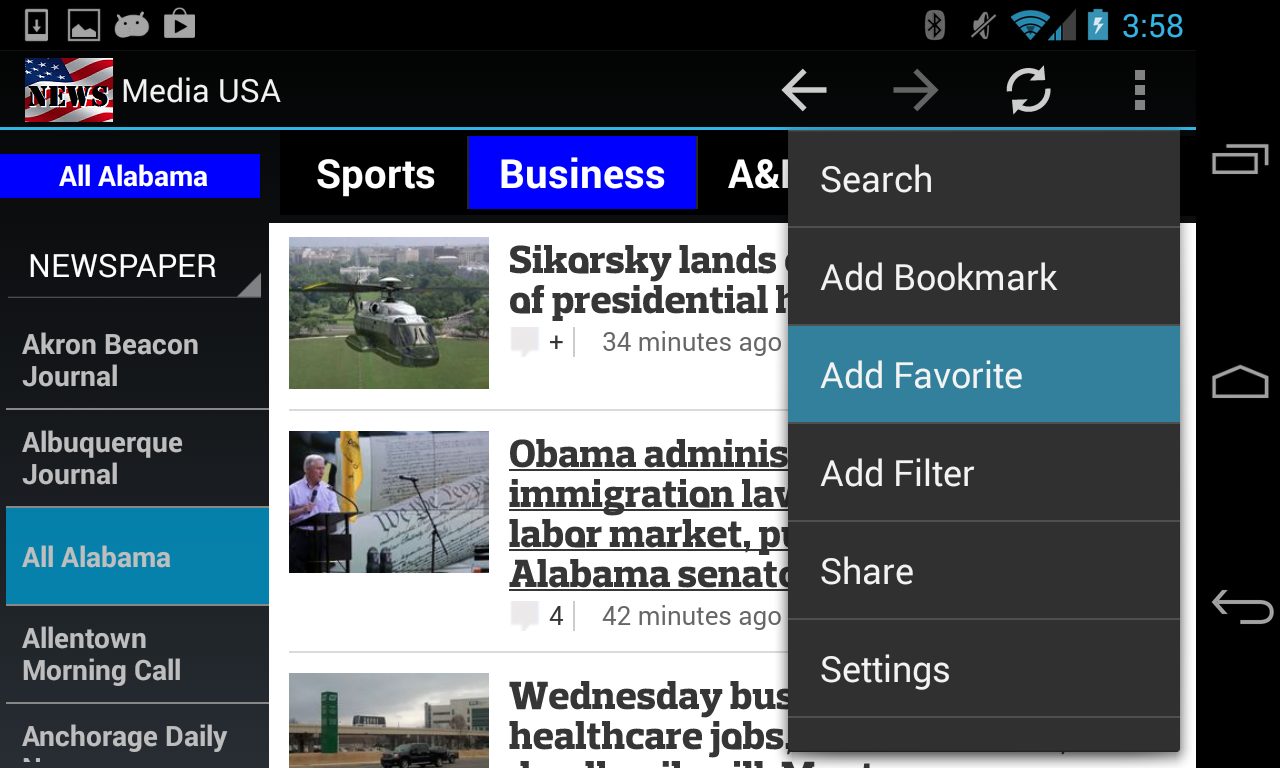
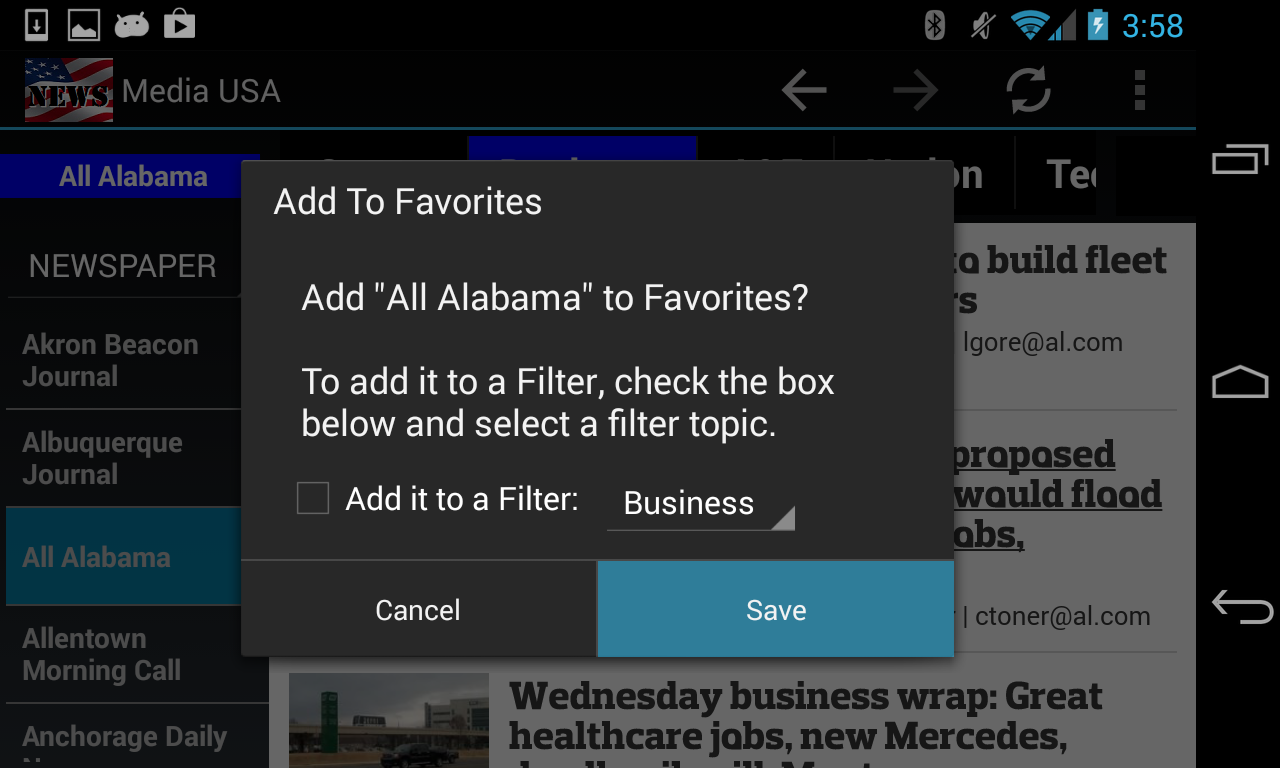
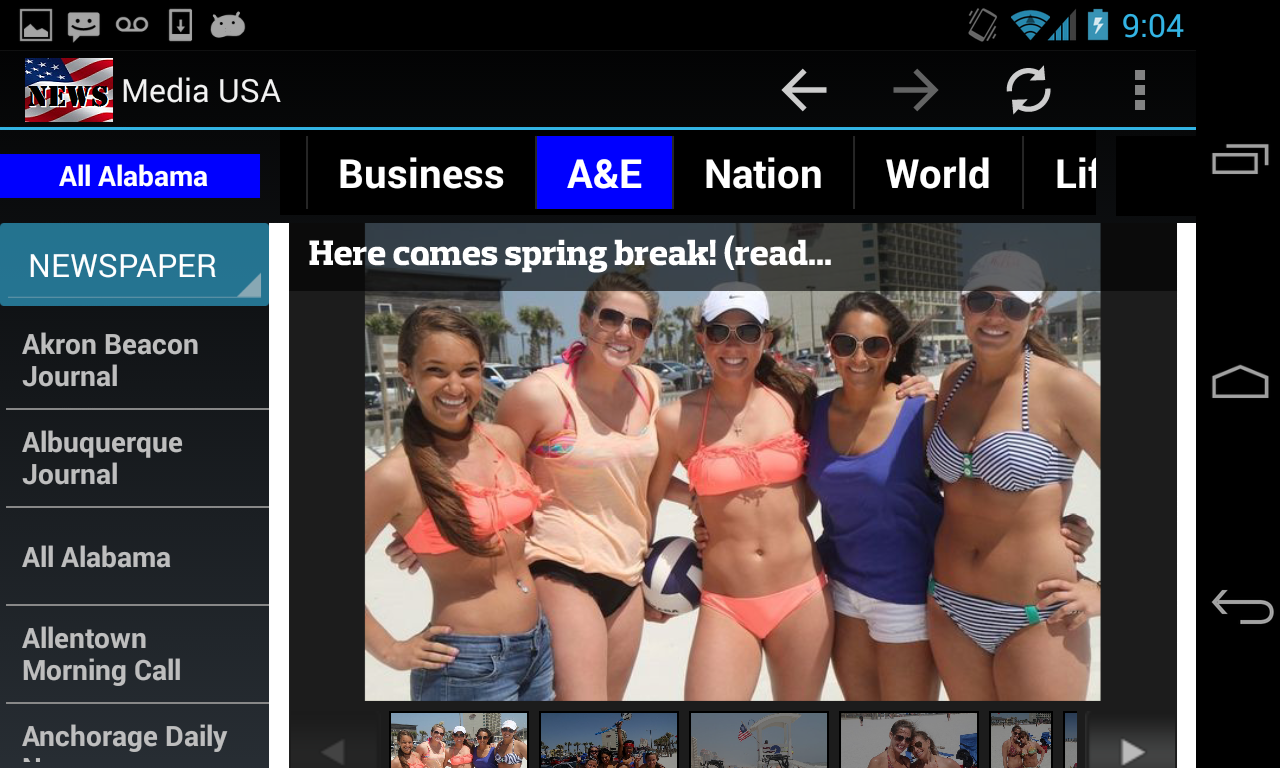
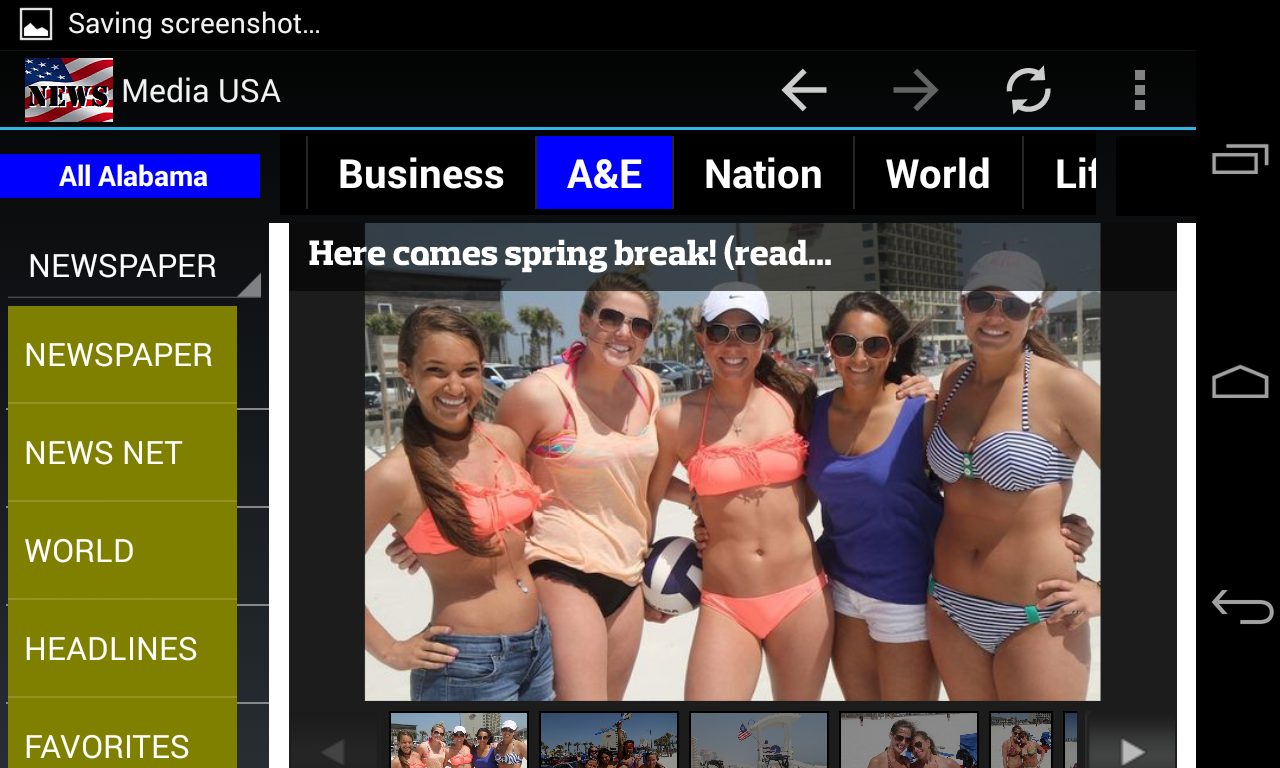
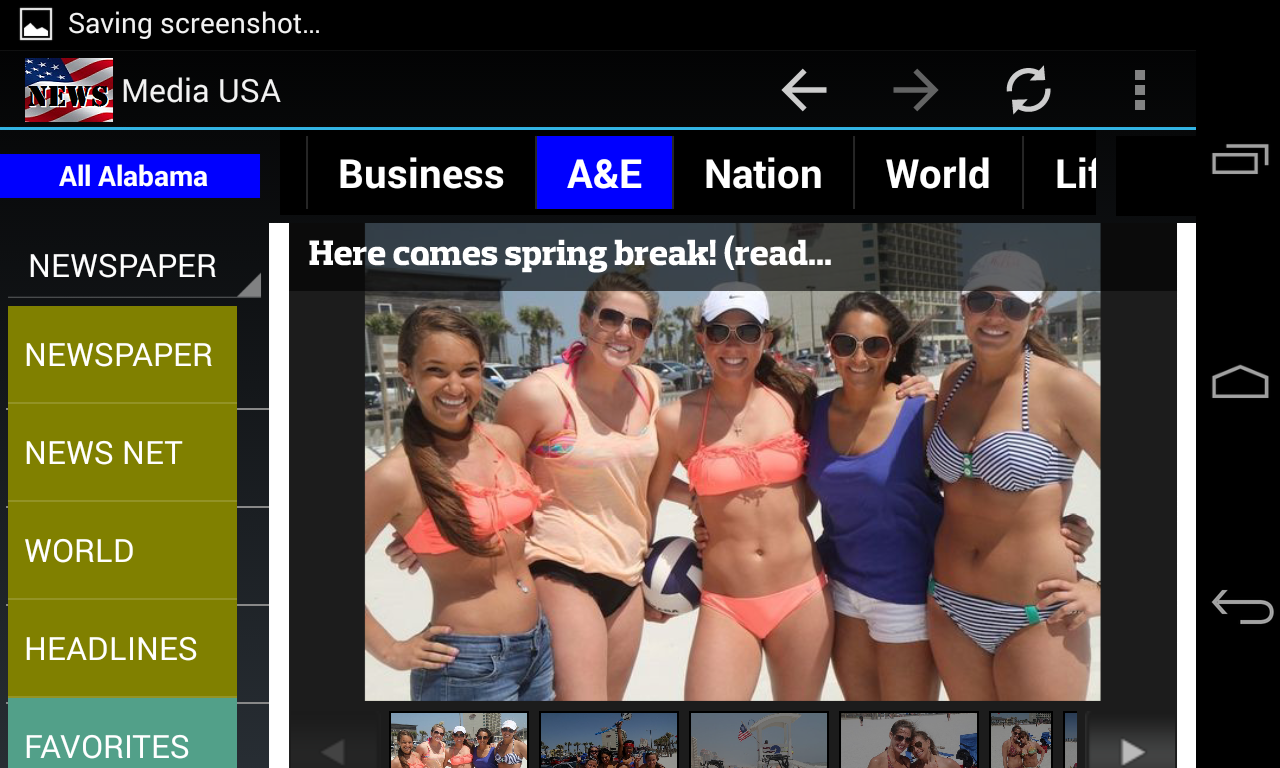
This example shows how to add a news source, All Alabama, to the
FAVORITES
list.
The easiest way is to use the Add Favorite menu:
To modify the FAVORITES listing, you need to do it from the
Settings
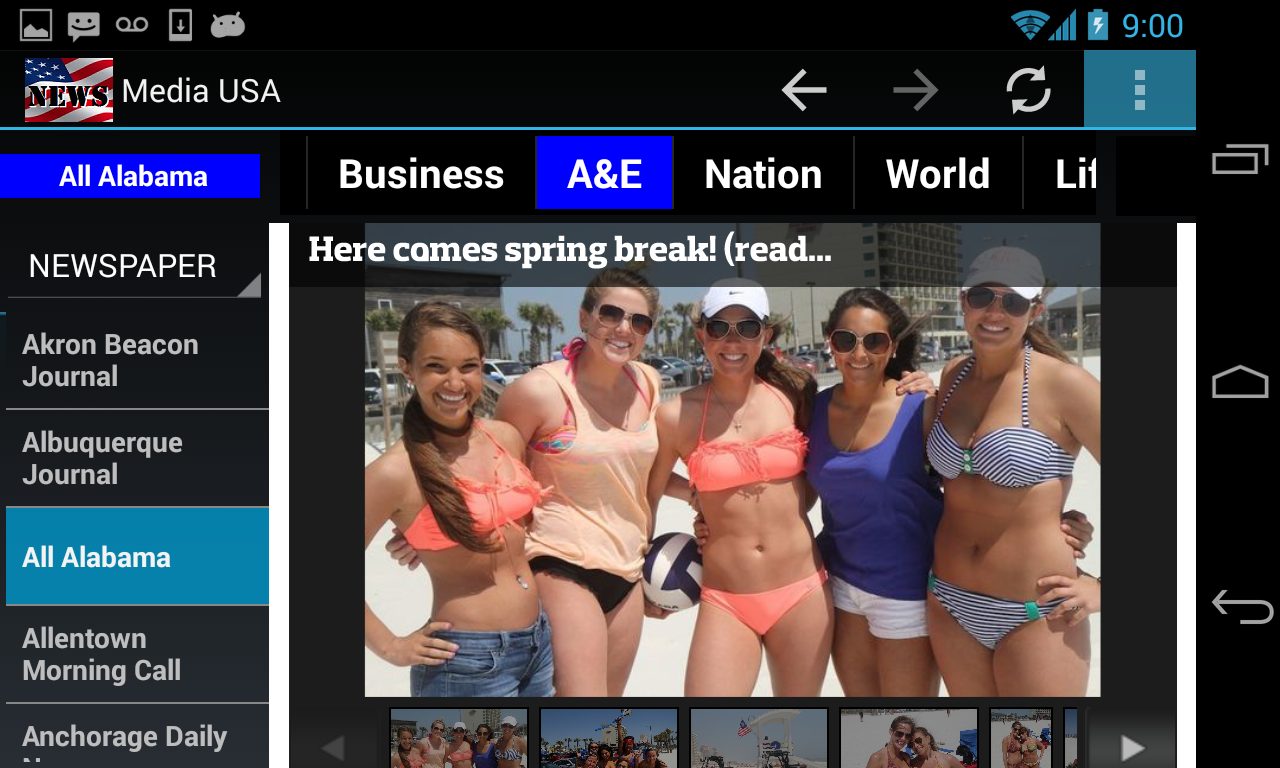
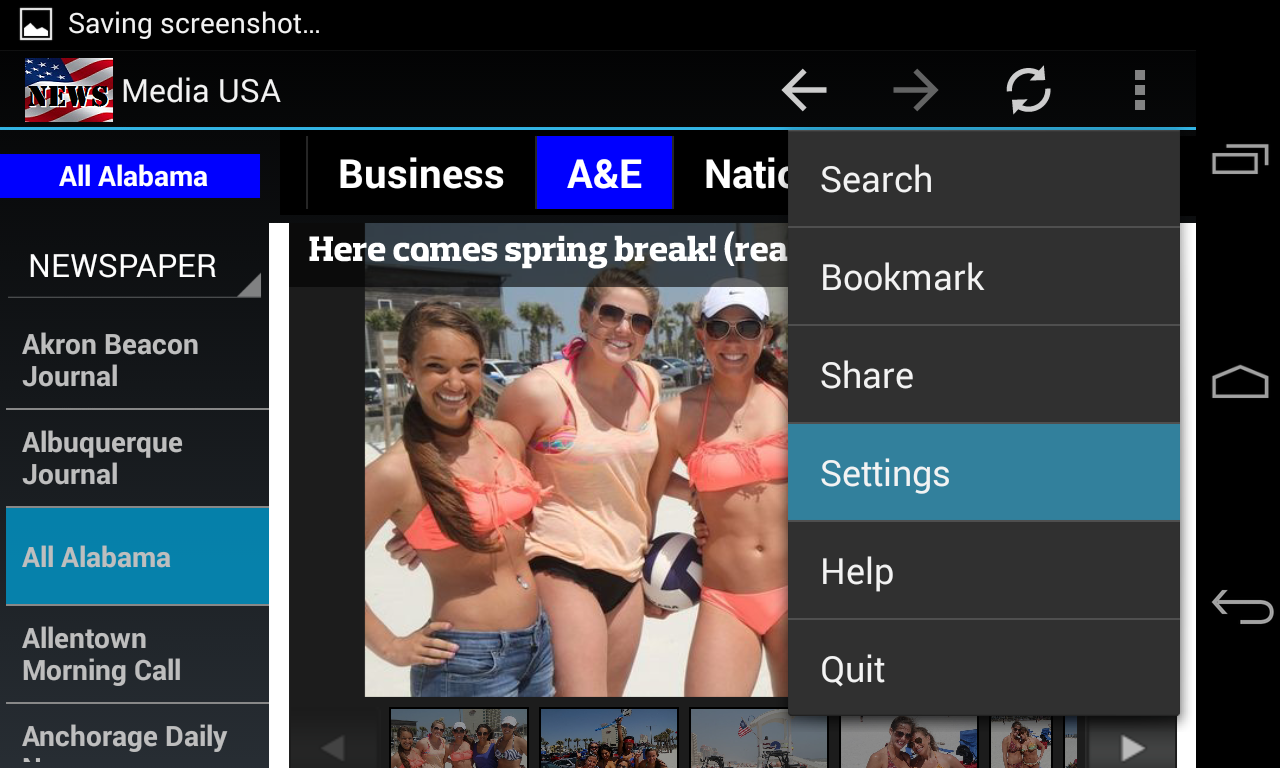
page. Start by clicking on the overflow menu button (the 3
vertical dots
in the
top-right corner of your screen) or the drop-down menu button of your
device.
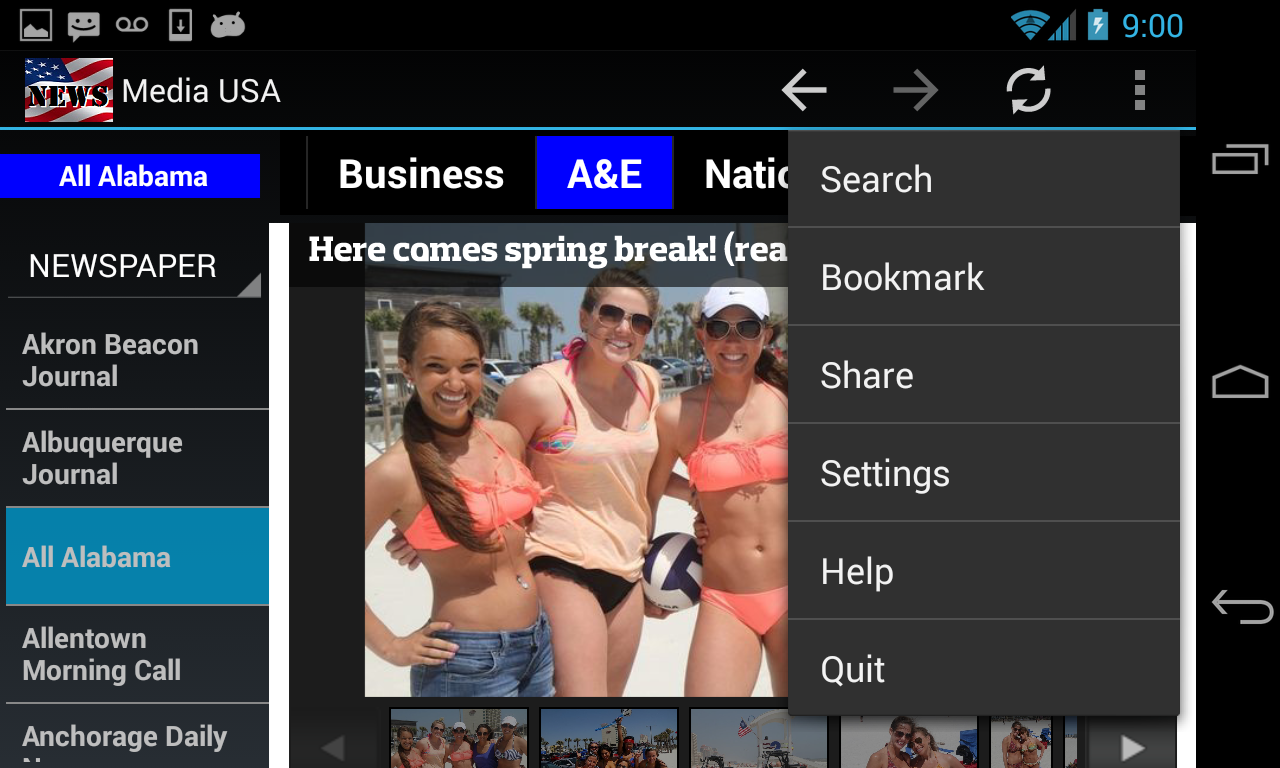
The dropdown menus is displayed.
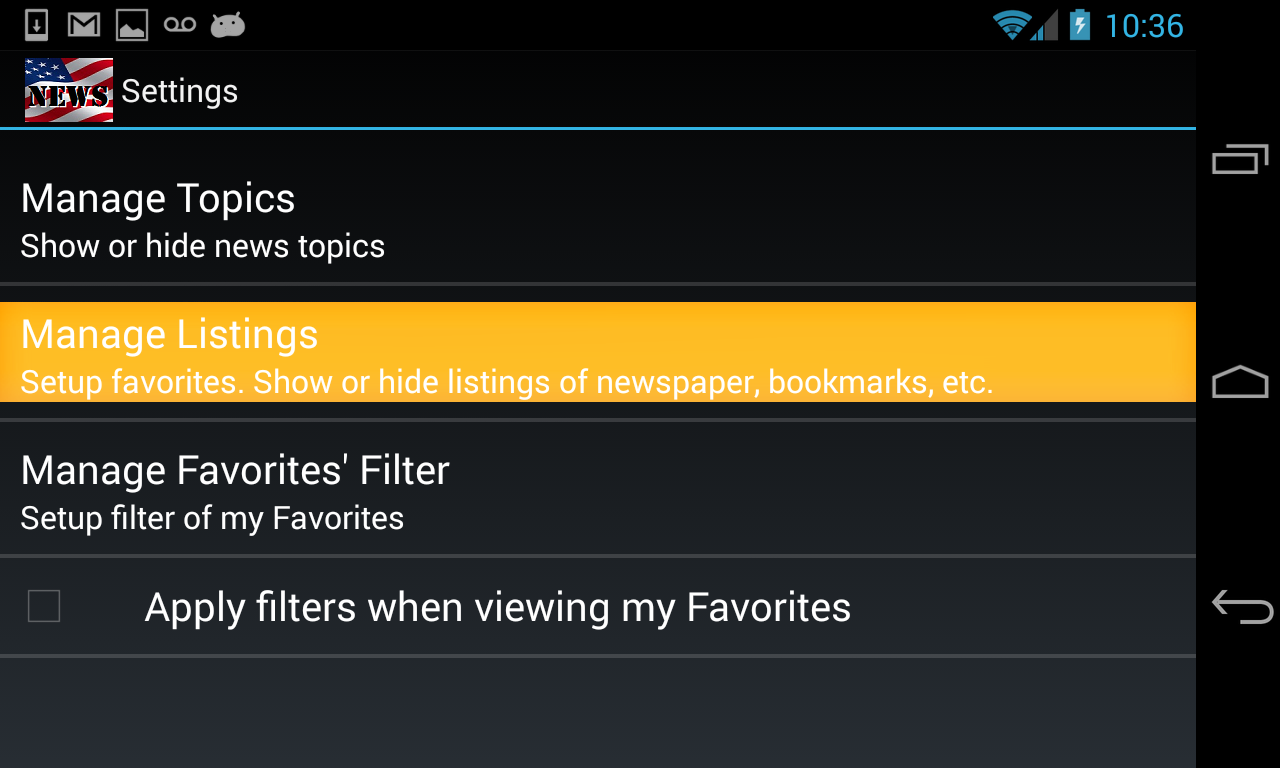
Click on the Settings menu.
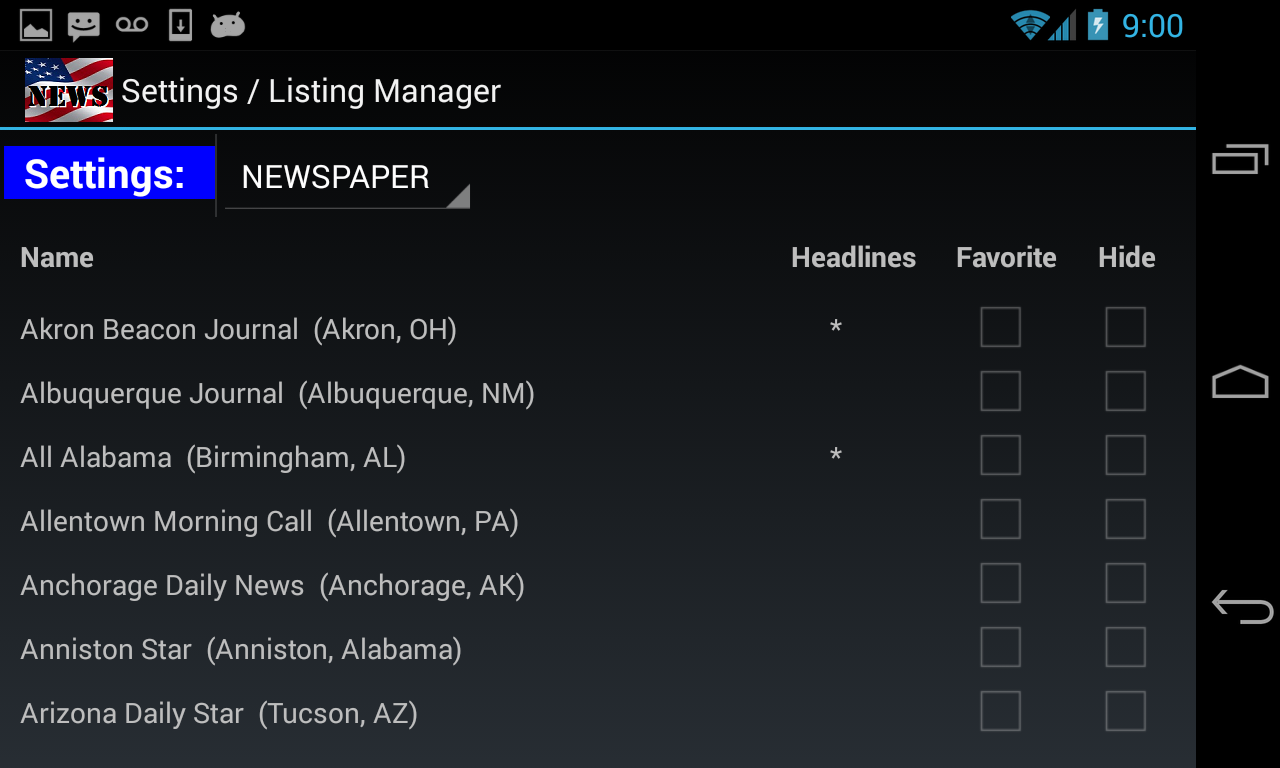
Click on Manage Listings.
A Settings page of the NEWSPAPER listing is displayed.
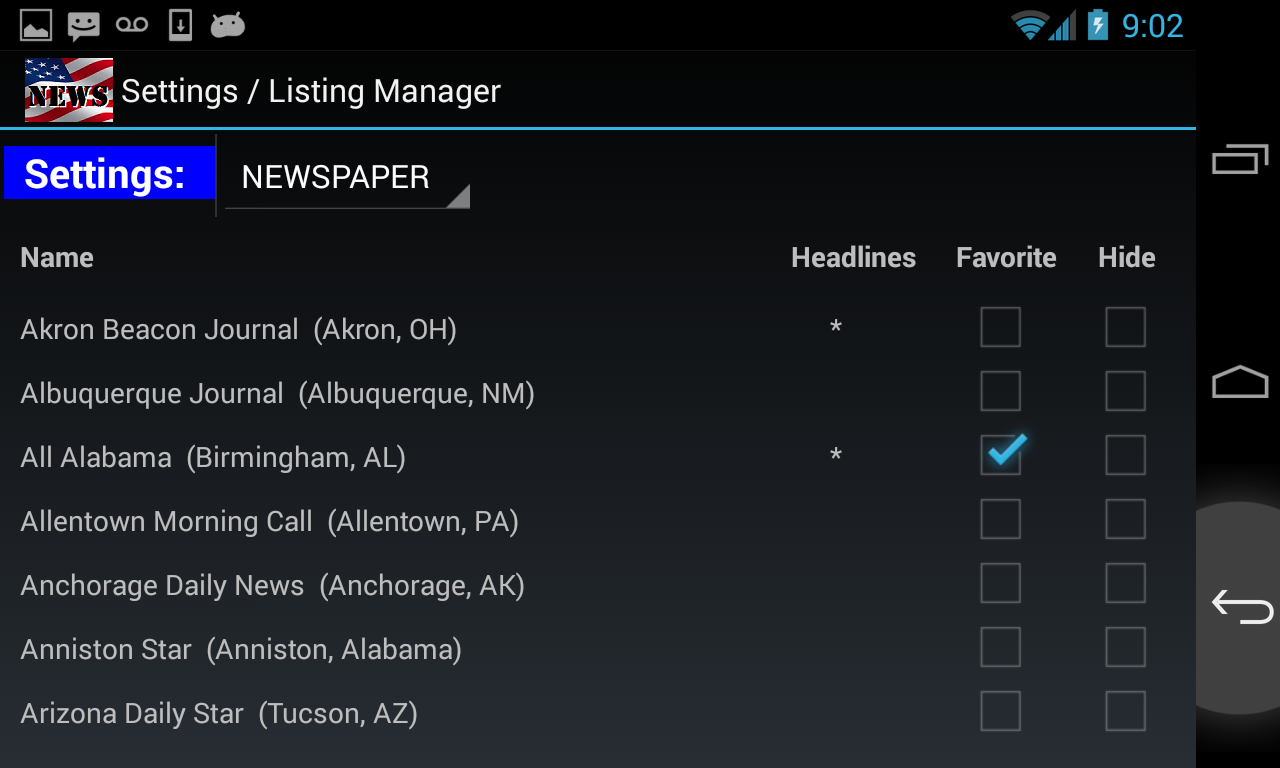
Click on Favorite checkbox that belongs to All Alabama newspaper.
Then click on the Back button to return to the main browsing
page.
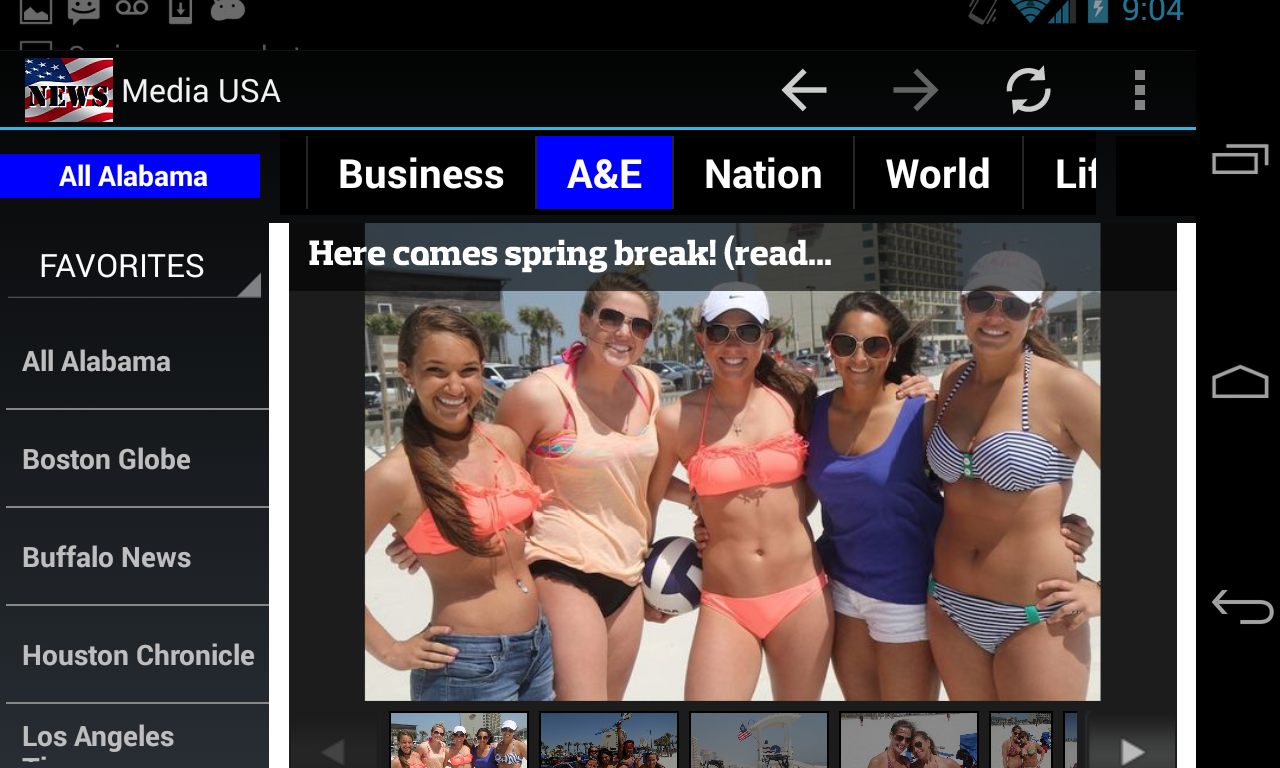
To see if All Alabama has been added to the FAVORITES list, click
on the NEWSPAPER (types spinner) to display the dropdown menus.
Select FAVORITES from the dropdown.
All Alabama newspaper has been added to the FAVORITES list.
To remove an item from the FAVORITES listing, just uncheck its
"Favorite"
checkbox.