There is a time when you read an article and want to share it with a
friend, a family member, or maybe a bunch of people you know.
Share menu allows you to do this easily.
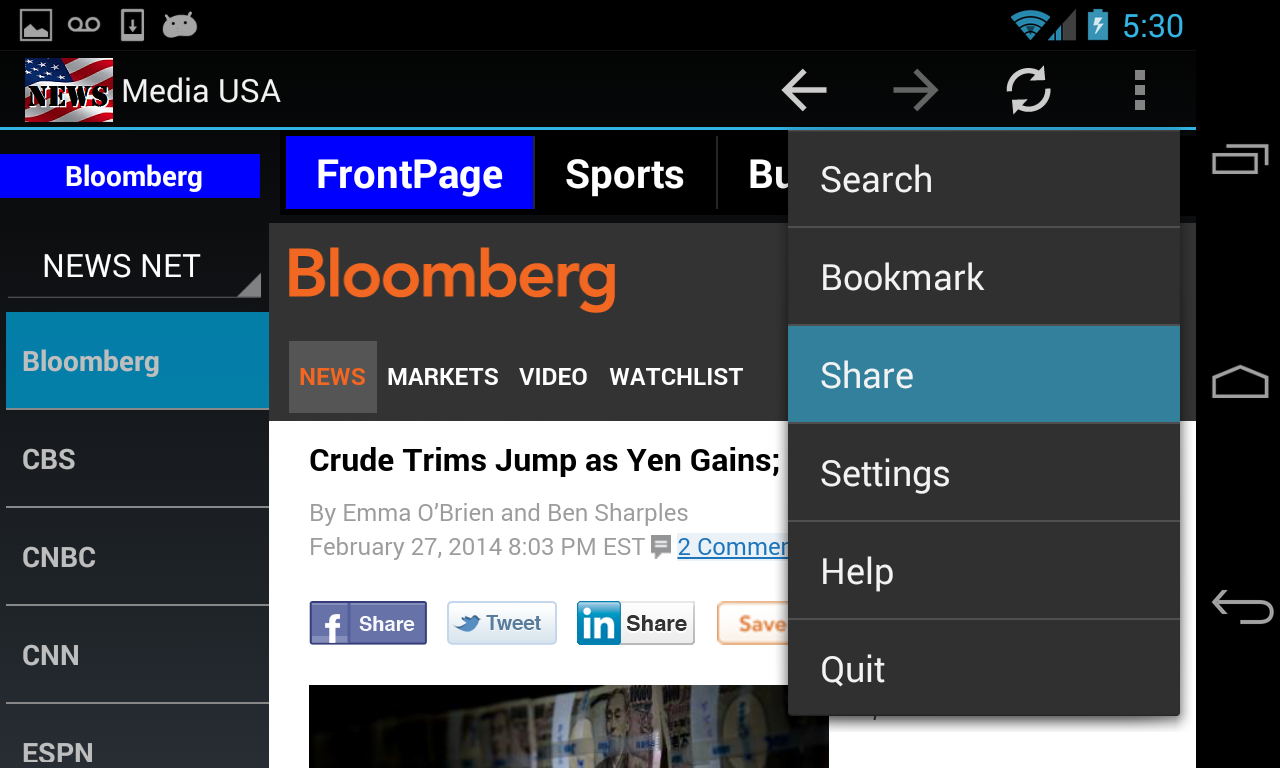
To share an
article, click on the overflow menu button (3 vertical dots in the
top-right corner of your screen) or the drop-down menu button of your device. The dropdown list shows "Share"
menu. Click on it.
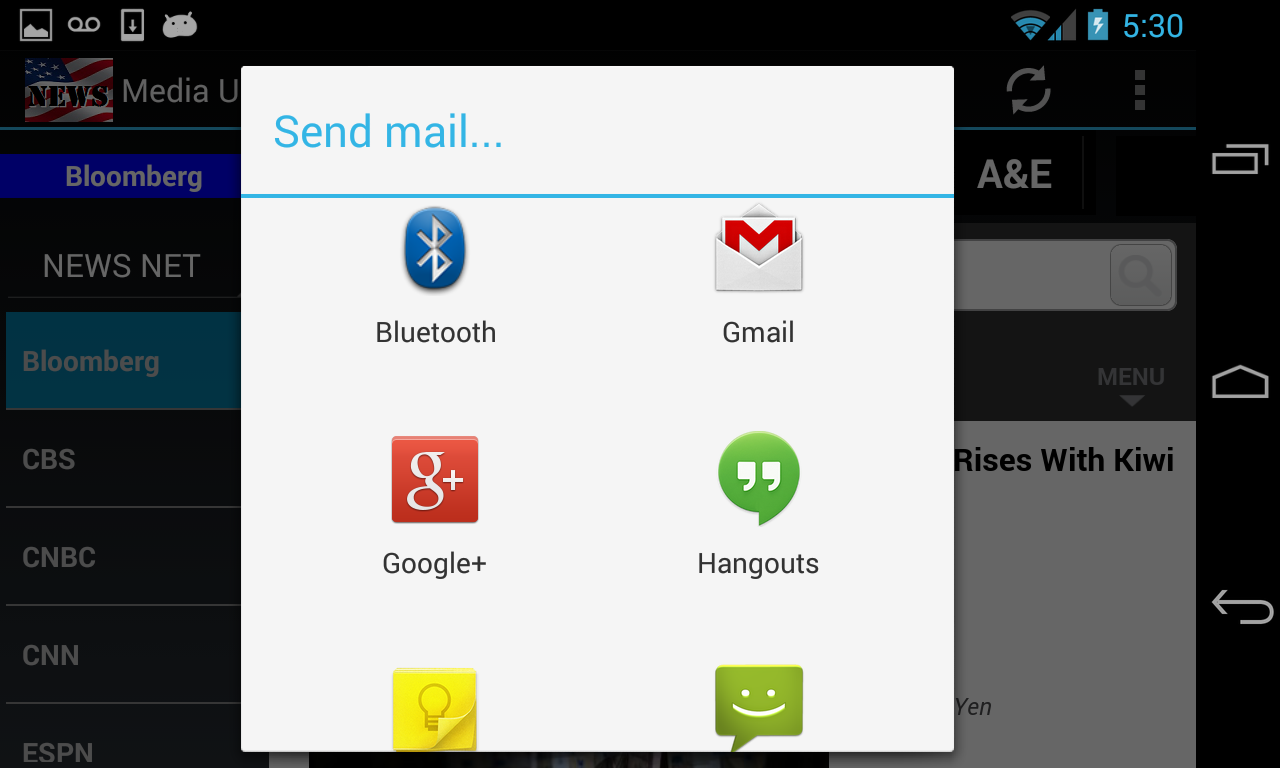
There are lots of ways to share an info. You could use email,
texting, or anything that your device supports. In this case, the
app will show you all the options as shown below.
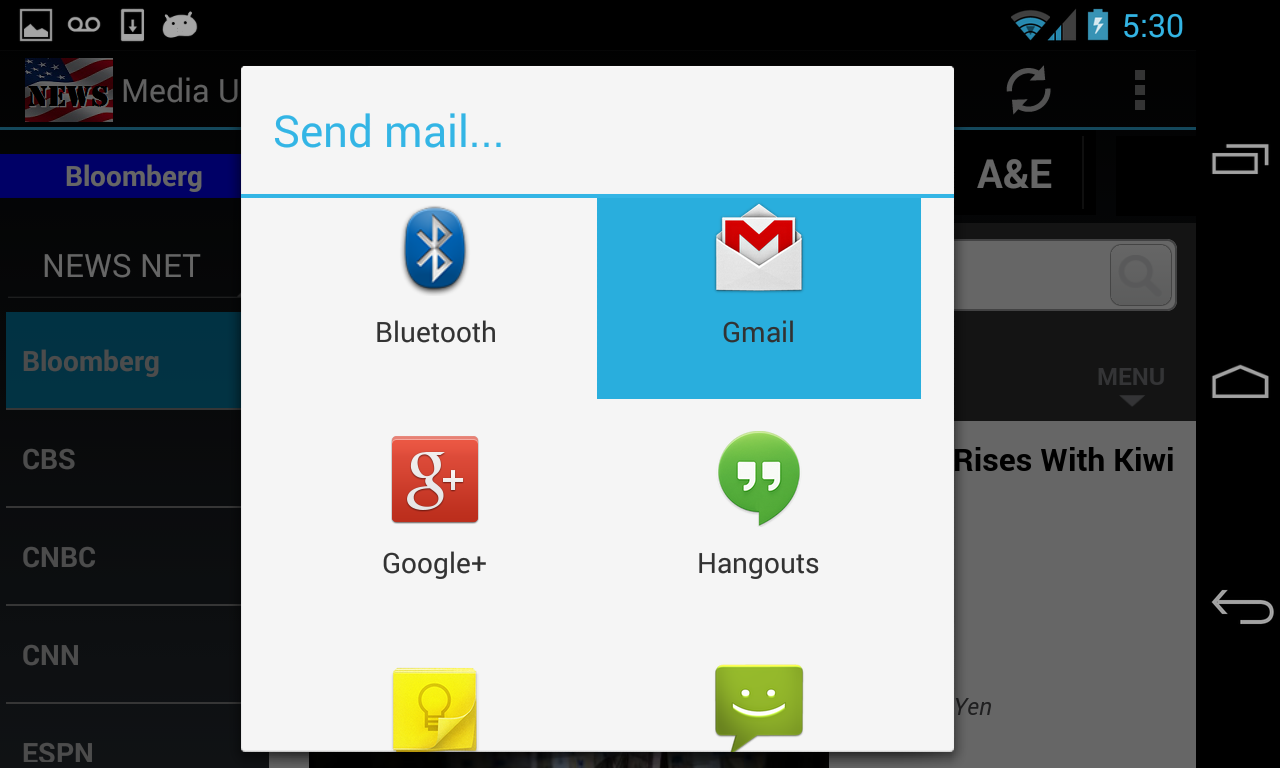
In this example, I selected GMail as a tool to share the article.
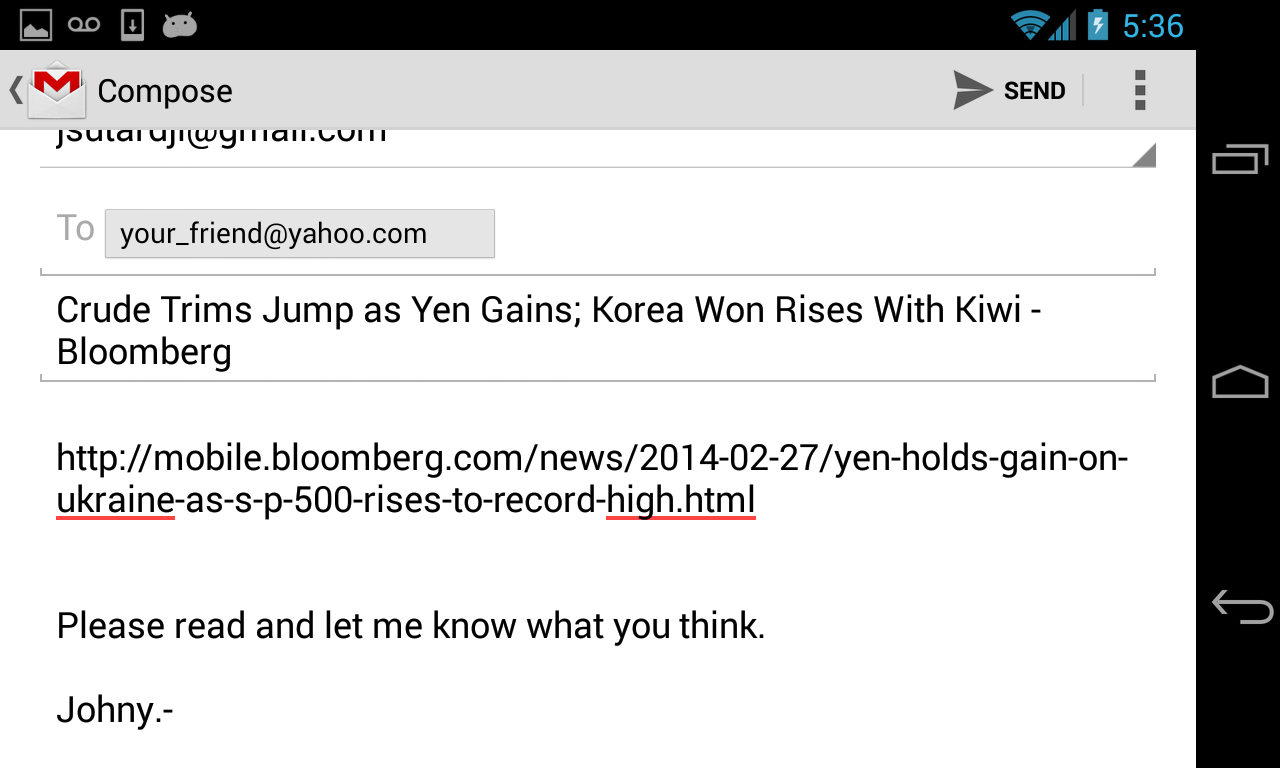
The GMail form is shown with pre-filled email subject and body.
The email body has a URL of the article that you want to share.
You just need to provide the recepient(s) email adress(es). The example below shows additional message that you could add to the email body.
After you are done adding necessary message to the email body, just click the SEND button to complete the sharing.