This example shows how to hide or
remove the top 3 news sources (Akron Beacon Jounal, Alburquerque
Journal and All Alabama) from the NEWSPAPER listing.
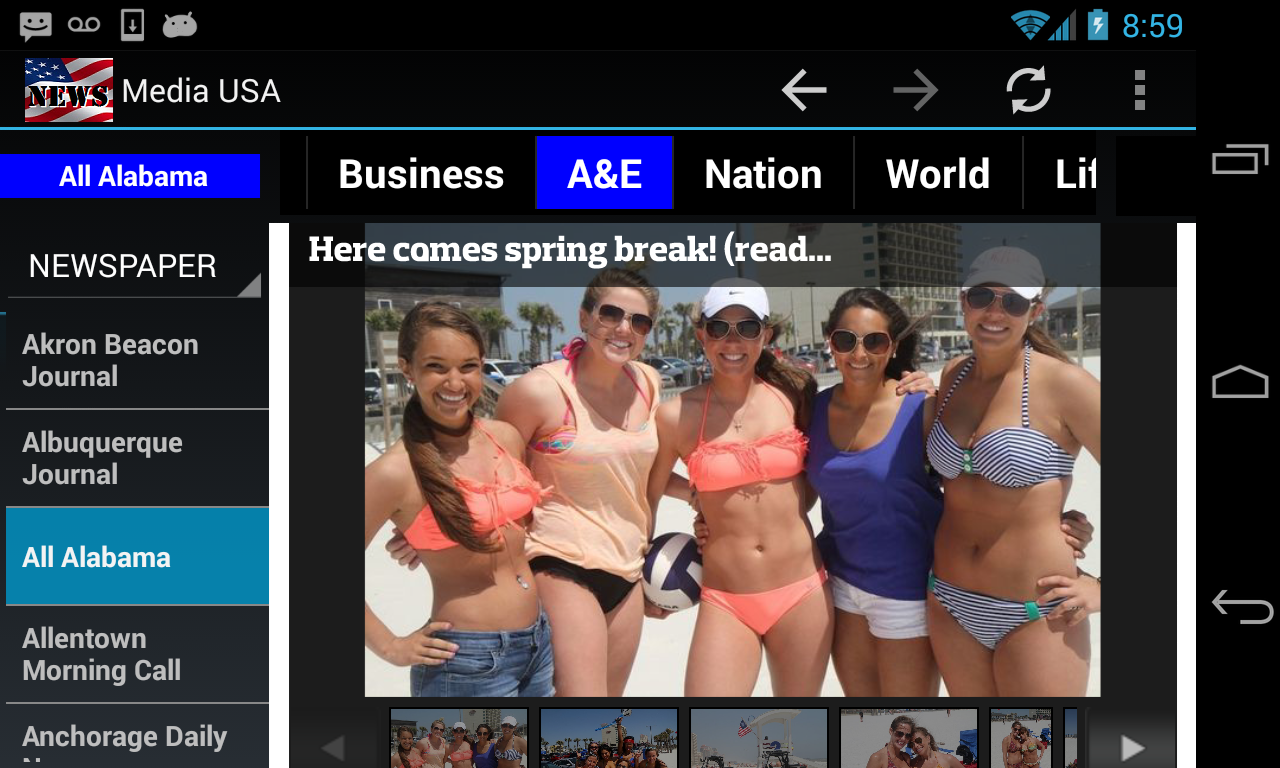
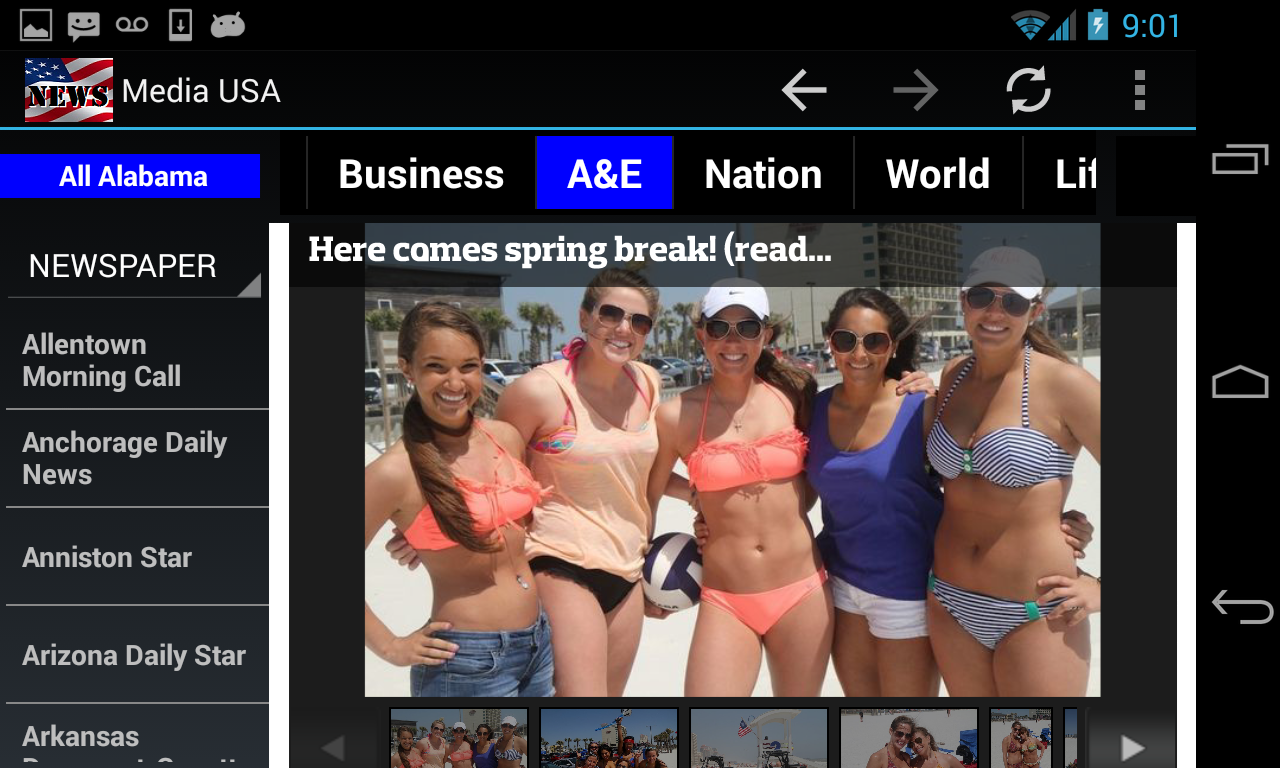
The screen below shows those 3 newspapers are on the list to start with.
To hide an item from a listing, you need to do it from the Settings
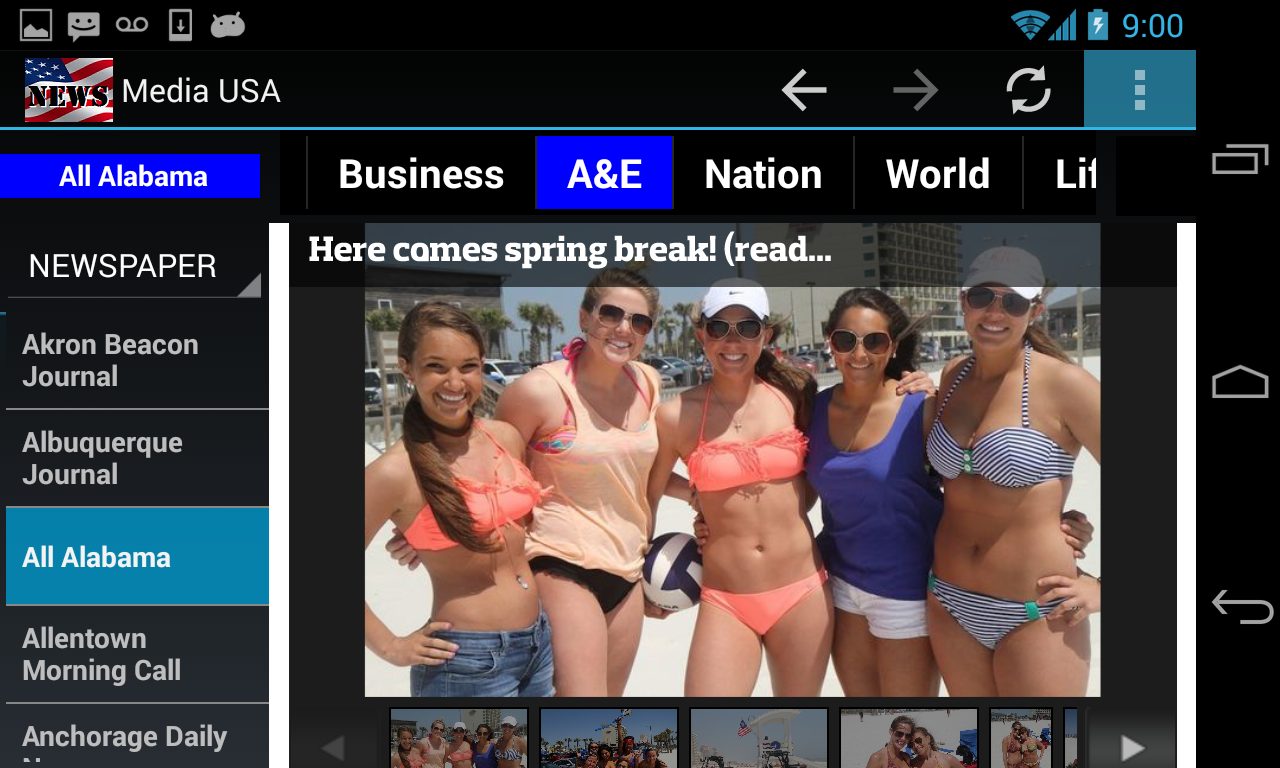
page. Click on the overflow menu button (the 3 vertical dots in
the top-right corner of your screen) or the drop-down menu button of your device.
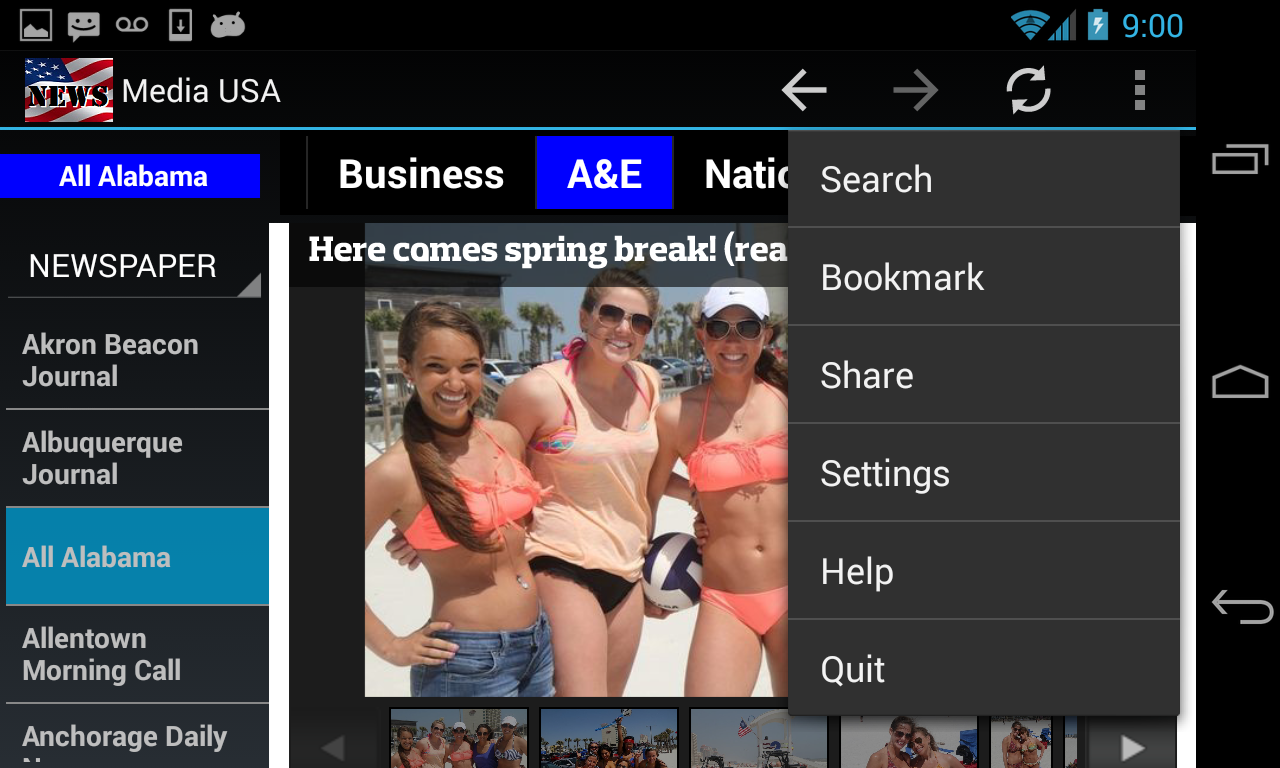
The dropdown menus is shown.
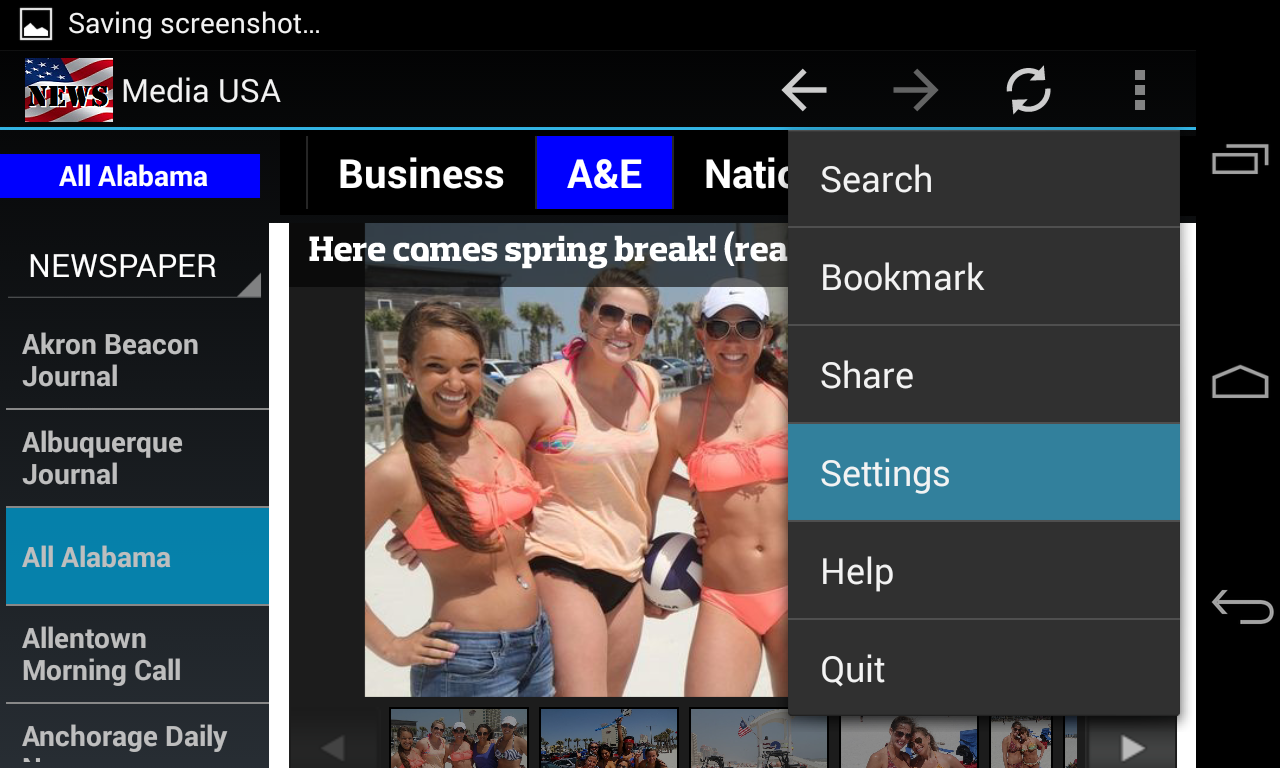
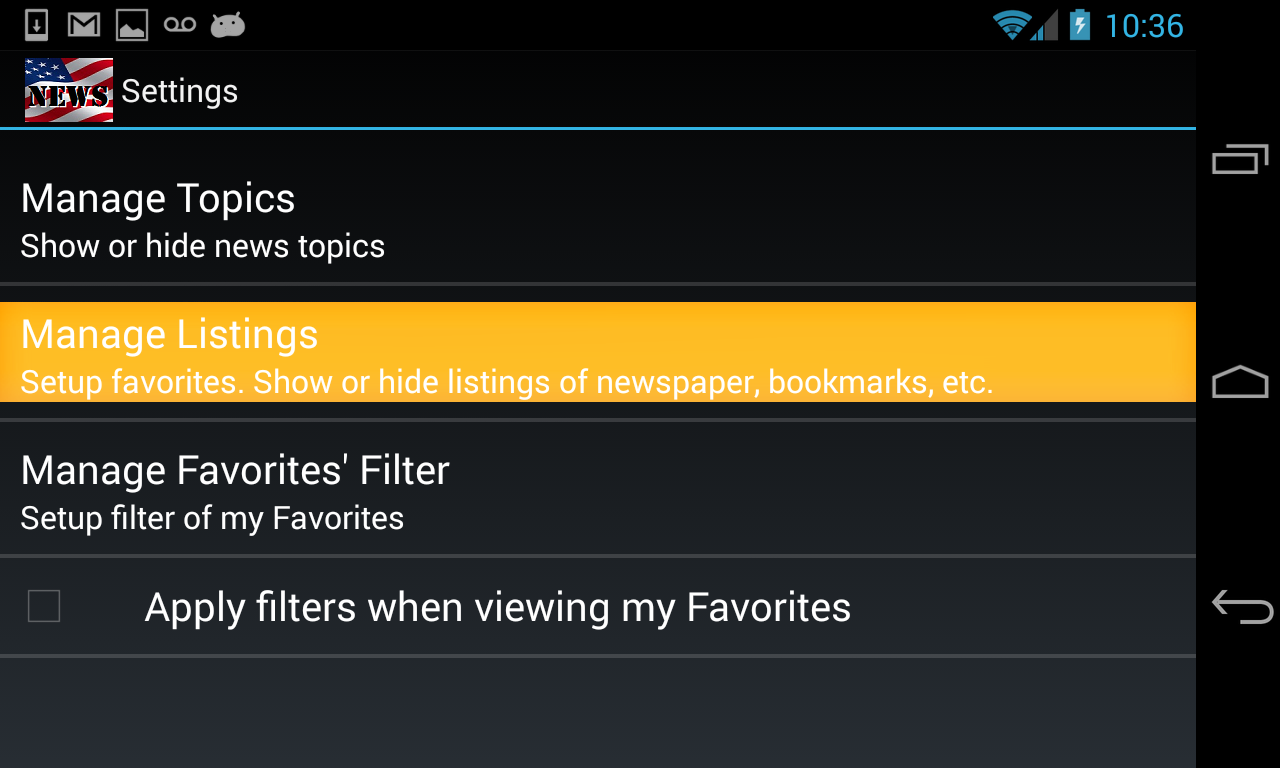
Click on the Settings menu.
Click on Manage Listings.
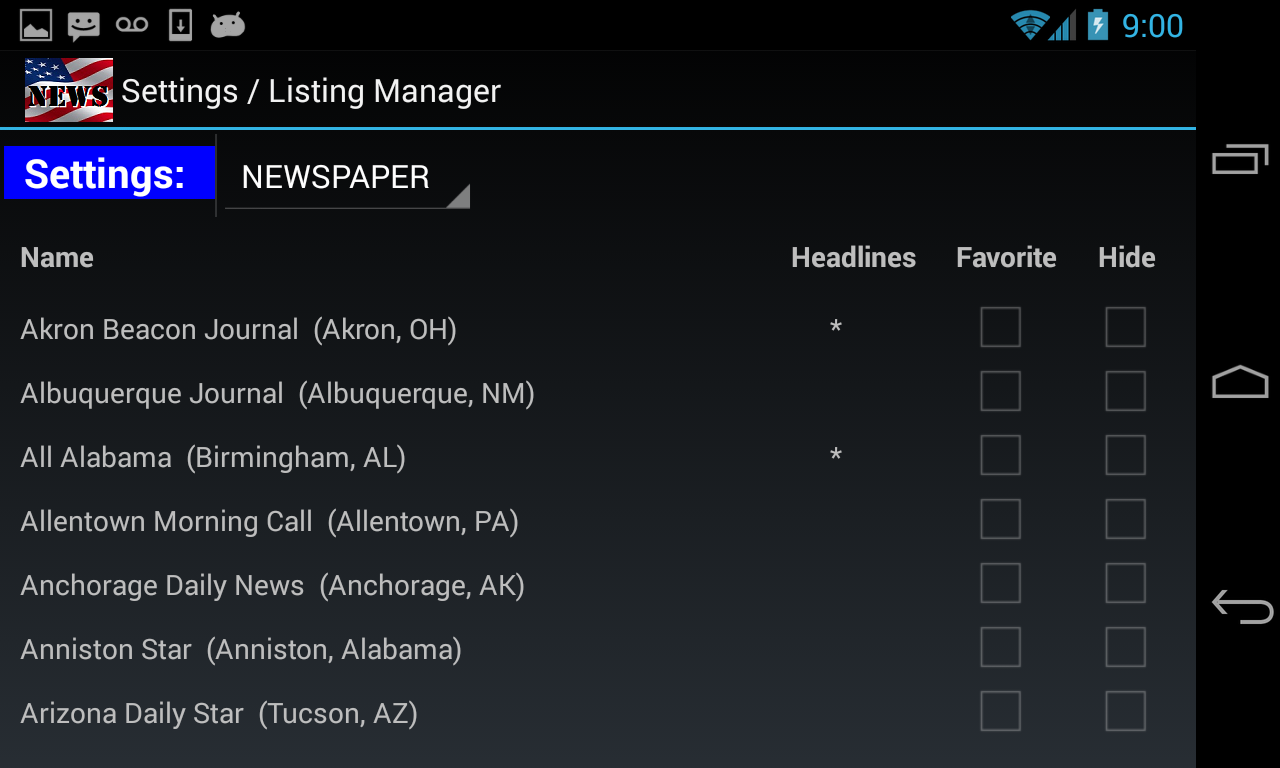
A Settings page of the NEWSPAPER listing is displayed.
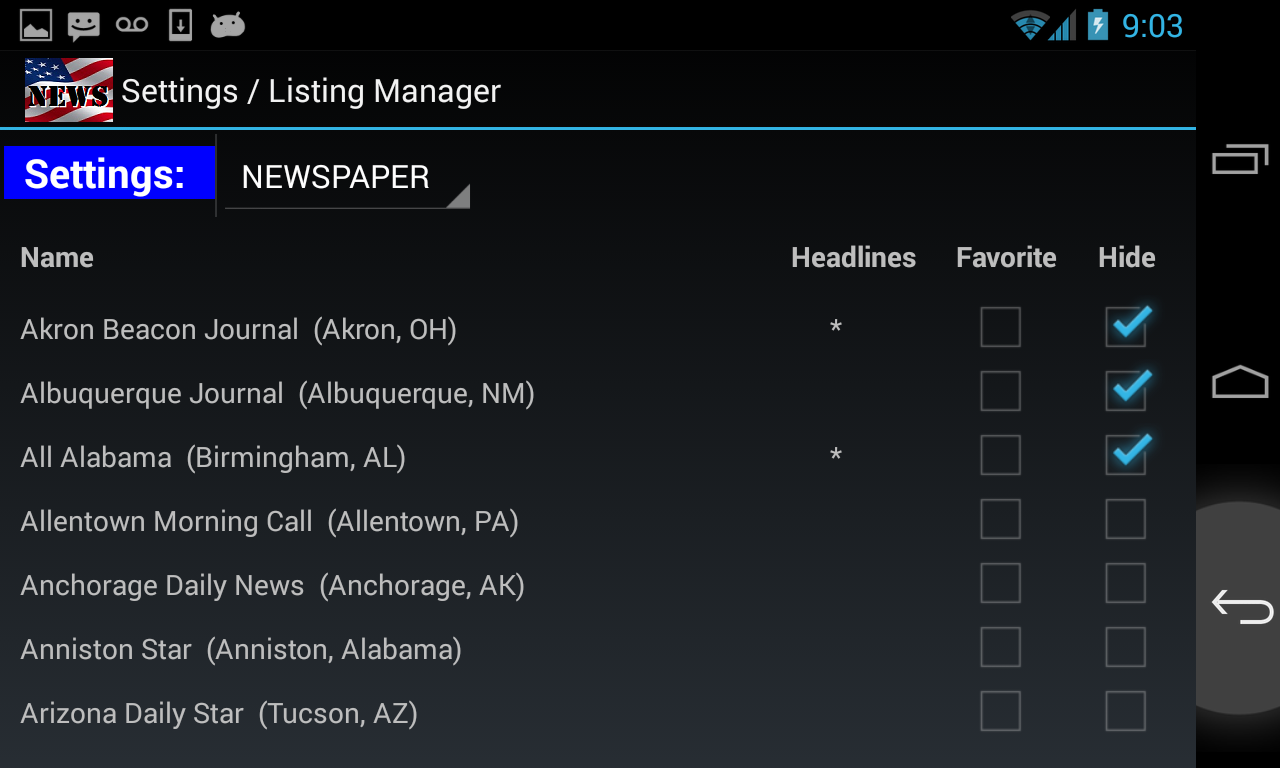
Click on Hide checkboxes that belong to those 3 newspapers.
Then click on the Back button to return to the main browsing page.
Those 3 newspapers are no longer on the NEWSPAPER list.
Please
note that if any of those 3 newspapers are listed on HEADLINES
and/or FAVORITES lists, they will be removed from those listings as
well.
To add a hidden item back to the listing, just uncheck its "Hide" checkbox.